Repository navigation
feat(dashboard): preview images in plugin file configuration - #10596
ZXLyyds100 wants to merge 2 commits into
Conversation


![sourcery-ai[bot]](https://avatars.githubusercontent.com/in/48477?s=60&v=4)

There was a problem hiding this comment.
Hey - I've found 2 issues
Prompt for AI Agents
Please address the comments from this code review:

## Individual Comments

### Comment 1
<location path="dashboard/src/components/shared/ConfigImagePreview.vue" line_range="69" />
<code_context>
+        objectUrl = URL.createObjectURL(response.data)
+        imageUrl.value = objectUrl
+      }
+    } catch {
+      // Unsupported, missing, or oversized images must not block file management.
+    } finally {
</code_context>
<issue_to_address>
**Preview failures go unnoticed**

When the preview API fails because of a transient service, storage, or network error, the catch suppresses every request failure, so a backend or storage outage is rendered as the same unavailable icon as an unsupported image, with no log or operator-visible indication that previews are failing.

Keep unsupported-image failures quiet but log or otherwise surface unexpected preview request failures.
</issue_to_address>

### Comment 2
<location path="dashboard/src/components/shared/FileConfigItem.vue" line_range="29" />
<code_context>
               <template #prepend>
-                <v-icon size="18">mdi-file</v-icon>
+                <div class="file-thumbnail mr-3">
+                  <v-lazy v-if="dialog && item.status !== 'missing' && /\.(png|jpe?g|webp|gif|bmp|tiff?|ico)$/i.test(item.path)"
+                    :key="`${pluginName}:${configKey}:${item.path}:${previewRevision}`" min-height="48" width="56">
+                    <ConfigImagePreview :plugin-name="pluginName" :config-key="configKey" :path="item.path" />
</code_context>
<issue_to_address>
**Supported images show generic icons**

When a supported image uses an extension omitted from the frontend allowlist, such as `.jfif`, `.jpe`, or `.dib`, the extension check prevents `ConfigImagePreview` from calling the endpoint, so users see a generic file icon instead of a preview even though the backend accepts the image.

Include all supported image extensions in the frontend allowlist or avoid filtering previews by filename extension.
</issue_to_address>
Sourcery assessment
Needs a human reviewer. 2 findings to address first, and the new authenticated endpoint returns image content from plugin storage; if its field-directory or symlink checks fail, a user with plugin scope could retrieve images outside the selected field. Reverting removes the endpoint, but cannot undo images already accessed.
Blocking findings: dashboard/src/components/shared/ConfigImagePreview.vue:69, dashboard/src/components/shared/FileConfigItem.vue:29


|
你好,这个可以点进去一项看图片吗? |

|
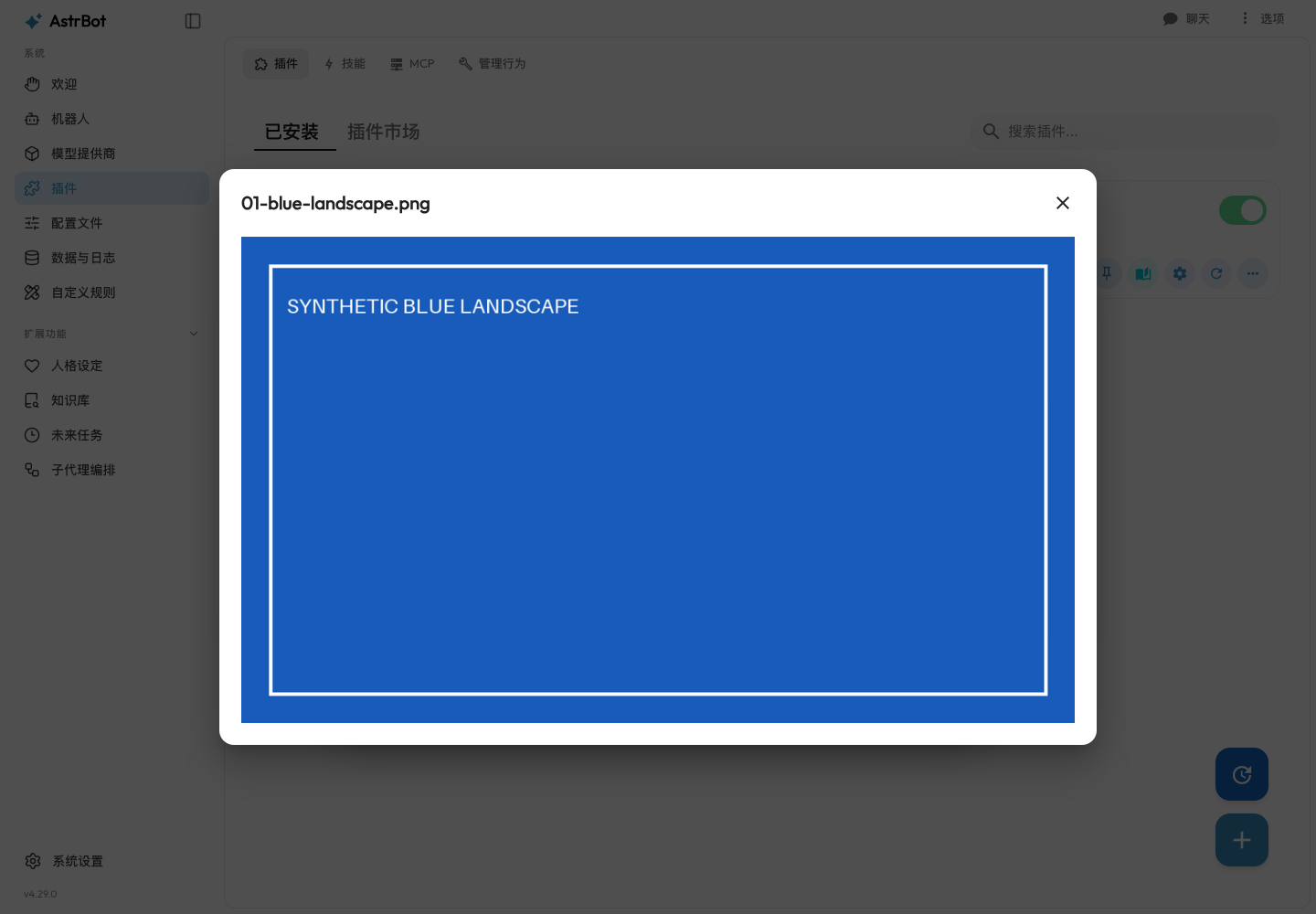
@mjy1113451 你好,可以的。在「插件 → 已安装 → 插件配置(齿轮)→ 管理文件」里,点击每项左侧的图片缩略图,就会弹出较大的图片预览;可以用 Esc 或右上角关闭按钮退出,键盘聚焦缩略图后按 Enter 也可以打开。 刚在当前提交 PR 已附有放大预览截图和10 秒操作录像,可以直接看效果。 补充说明:这里是经过安全处理的图片预览(最长边 1024 像素,动图显示首帧),不是原始文件下载;点击入口是缩略图,而非文件名。 |
This branch has not been deployed
2 participants


Closes #10595.
The plugin file-configuration manager lists uploaded images by name only. This
adds thumbnails and a larger preview within the existing manager, without
changing plugin configuration or upload/delete semantics.
Modifications / 改动点
Reuse plugin authentication for a field-scoped image-preview endpoint. Resolve
and reject path/symlink escapes; bound input to 10 MiB and 20 million pixels;
return a metadata-free PNG thumbnail (maximum edge 1024). Animated images
preview their first frame. Original files are not modified.
Lazy-load previews through the authenticated API client and object URLs, never
login tokens in image URLs. Cancel requests and revoke URLs when closing,
removing or switching files. Refresh previews after same-name uploads.
Preserve management of non-image, missing, corrupt and oversized files. Add
accessible preview buttons, keyboard operation and translations for all four
existing locales.
Update Chinese/English WebUI and plugin-configuration instructions, OpenAPI,
the generated client and public API/scope documentation. No navigation
entry was renamed or moved.
This is NOT a breaking change. / 这不是一个破坏性变更。
Screenshots or Test Results / 运行截图或测试结果
Actual dashboard screenshots using the same synthetic fixture files in an
isolated data root. Before: unmodified
de898afbackend and production build.After:
e80a91ebackend and production build. These are not mockups.10-second actual browser recording
· Evidence and reproducible fixture
Larger preview and mobile screenshots
Verification steps
From the repository's development environment:
in the existing API test module. Includes JWT/API-key scope, path/field/symlink
isolation, invalid/missing images, limits, formats, orientation, metadata,
first-frame behavior and source-file preservation.
production build, API-generation consistency, docs build, full Ruff checks and
normal changed-file commit hooks passed. Final build uses CI's
Node 24.13.0 / pnpm 10.28.2.
desktop/mobile bounds, same-name overwrite/restore, unconfigured images,
add/delete, field isolation, repeated open/close and cancellation of delayed
real requests, actual image-extension aliases, sanitized failure logging and
expected-error suppression. Instrumented 29 URLs created / 29 revoked / 0 live.
updated docs. Evidence is on a separate fork branch, not in the product diff.
Manual reproduction: use a plugin
filesetting accepting images, upload alandscape/portrait image and a non-image file, open Manage Files, click a
thumbnail, and close it with Escape or its close button. Repeat on mobile,
overwrite an image with the same filename, and reopen the manager.
Validation boundaries: the four Python skips also occur on the base. No live
IM platform or paid-model execution is claimed. The deliberate invalid PNG gets
the expected 415/fallback; baseline Vuetify list warnings remain. Repository-wide
pre-commit --all-filesrewrites two unrelated baseline files through pyupgrade;those incidental changes were reverted and are excluded. Normal commit hooks
on this PR pass without any bypass.
Automated review follow-up
Both Sourcery findings were addressed in
e80a91e: log unexpected failureswithout Axios credentials, distinguish storage failures (503) from decoder
failures (415), and support
.jfif/.jpe/.dib/.apngaliases including real DIBdecoding. The supplemental review before/after evidence
reproduces the old frontend's zero alias thumbnails/zero 500 warnings and
verifies the corrected behavior. Browser 500/network/415/wrong-MIME scenarios
are explicitly controlled fault injection, not real deployment outage claims.
Sourcery's automated review does not replace a human reviewer.
Checklist / 检查清单
in [Feature] 增加插件配置的管理文件的已上传图片可视图化 #10595 and the issue reporter invited implementation. This is not a claim
of maintainer design approval.
updated. Navigation is unchanged, so no old-to-new entry mapping is needed.
Disclosure: investigation, implementation, tests, self-review and evidence were
produced with OpenAI Codex assistance. No independent human review, maintainer
approval or completed upstream CI is implied.