

AppleContainerGUI is a native macOS SwiftUI front-end for the container CLI (Apple Container). It provides an organized, visual way to manage containers, images, volumes, networks, snapshots and logs.
Version 1.1, developed by Kevin Tobler 🌐 www.kevintobler.ch
-
1.1
- 🧰 Bundled runtime with one-button installation, repair and volume migration, without Homebrew
- 🍎 Apple Container 1.6.0 with Containerization/vminit 0.52.1 and builder 0.13.2
- 🐳 Bundled Docker CLI 29.9.2 and Compose 5.5.1
- 🔌 Managed Socktainer Docker API with private socket and optional
/var/run/docker.socksetup - 🔗 Docker socket access inside containers for applications that manage containers through the API
- 🧪 Docker commands in the Command tab run through the bundled CLI and API socket
- 🩺 API diagnostics, runtime logs, Docker context setup and automatic API recovery
- 📂 Shared read/write VirtioFS volumes and bind mounts, with Finder access and read-only mount support
- 📦 Named and anonymous volumes with initial image-directory copy-up and protection against deleting volumes in use
- 💾 Migration of existing disk-backed volumes with original disk images and configuration backups retained
- 🌐 Docker network DNS for container names, Compose service names and aliases
- 🧹 Hidden DNS helper containers with automatic cleanup when no longer needed
- ⚙️ Settings tab with persistent CPU and RAM defaults for new containers and DNS helpers
- 🧠 Recommended defaults: half the CPU cores rounded up to an even count and one quarter of physical RAM, within host limits
- 🛡️ Changed resource defaults preserve existing containers, mounts, ports, environment and networks
- 🗑️ Automatic stopping when deleting running containers, with data volumes retained
- 🧽 Cleanup of confirmed stale container, image, volume, network and snapshot entries
- 🔄 Quiet automatic refresh of containers, images, volumes and networks
- 📊 Improved image names, tags, sizes, inspect/history data and registry origin metadata
- 🏷️ Effective container names used as default hostnames for Docker API self-inspection
- 🧩 Added
docker top, captured exit codes and restart monitoring recovery after API restarts - 🖥️ Menu bar lists for running and stopped containers with Start, Stop and Restart actions
- 🚀 Optional launch at login and API startup with the app
- 🪟 Closing the window keeps the app in the menu bar; quitting stops the owned API while Apple Container and containers remain running
- ✅ Robust container state extraction and system status parsing, including the formats reported with Apple Container 1.6.0
- 🔢 App version displayed in the header and window title directly from the build
- 🔒 Restricted socket permissions, DNS source validation, request limits and runtime integrity checks
- 🛠️ Safer socket recovery, command timeouts, output capture and rejection of unsupported security requirements
- 📝 Documented Docker API compatibility limits; removed the old Edit Resources action
-
1.0
- 🧭 Initial release of AppleContainerGUI
- 🖥️ SwiftUI-based macOS interface
- 🧰 Integrated Homebrew install flow for Apple Container CLI
▶️ Start Apple Container system services- 📦 Manage containers (refresh, start/stop, delete, inspect)
- 🧠 Set CPU and memory defaults for new containers in Settings
- 🧰 Update container images and open related folders
- 🧱 Manage images (refresh, delete, run, inspect)
- 📂 Shared VirtioFS data volumes (create, delete, open in Finder, fix permissions)
- 🌐 Manage networks (refresh, delete, inspect)
- 🔎 Search container registries (Docker Hub, GitHub, Quay, GitLab, custom)
- 🧩 Docker API integration through a managed Socktainer service
- 🧪 Run images with ports, volumes, environment and command overrides
- 📸 Snapshot management (list, delete, bulk delete)
- ⚙️ Settings for default CPU and memory values used by new Docker API containers and DNS helpers
- 🧹 Delete running containers with automatic stopping and clear stale resource entries
- 🧾 Built-in command log with output and errors
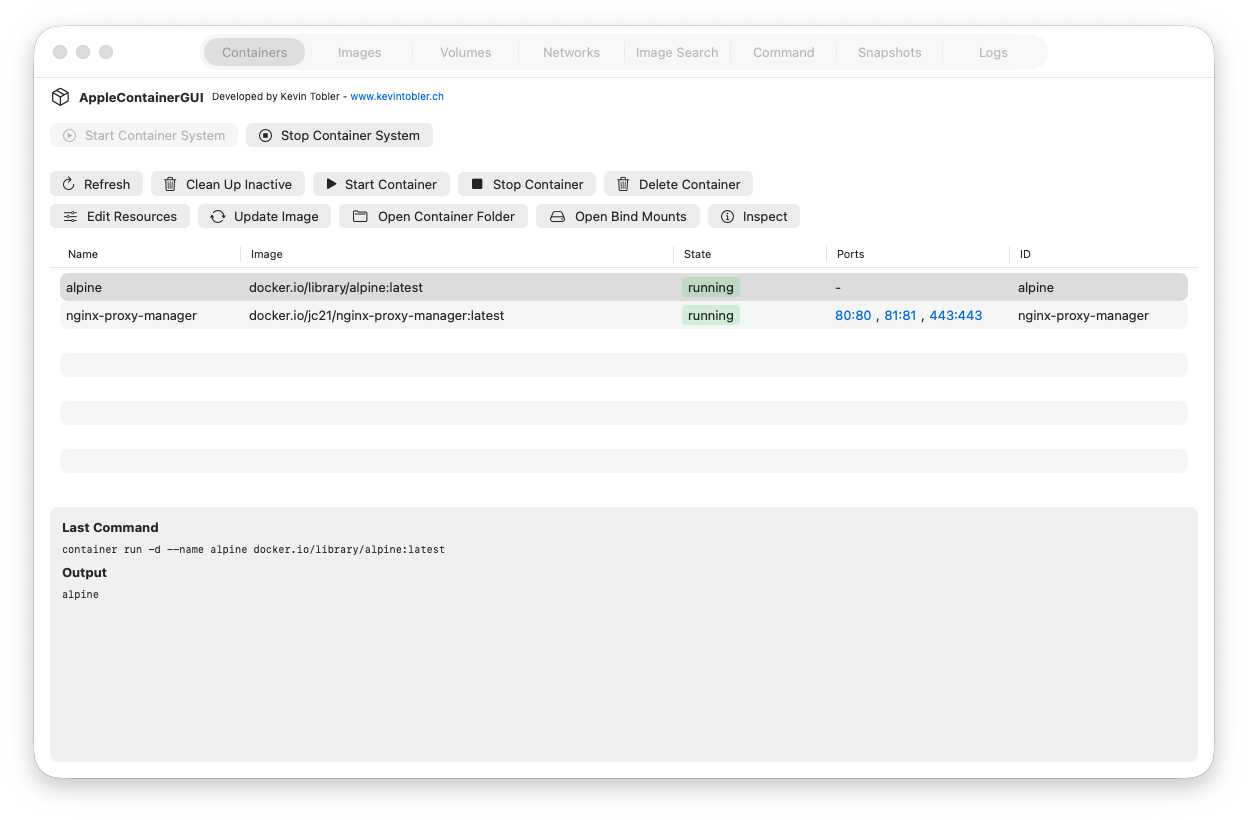
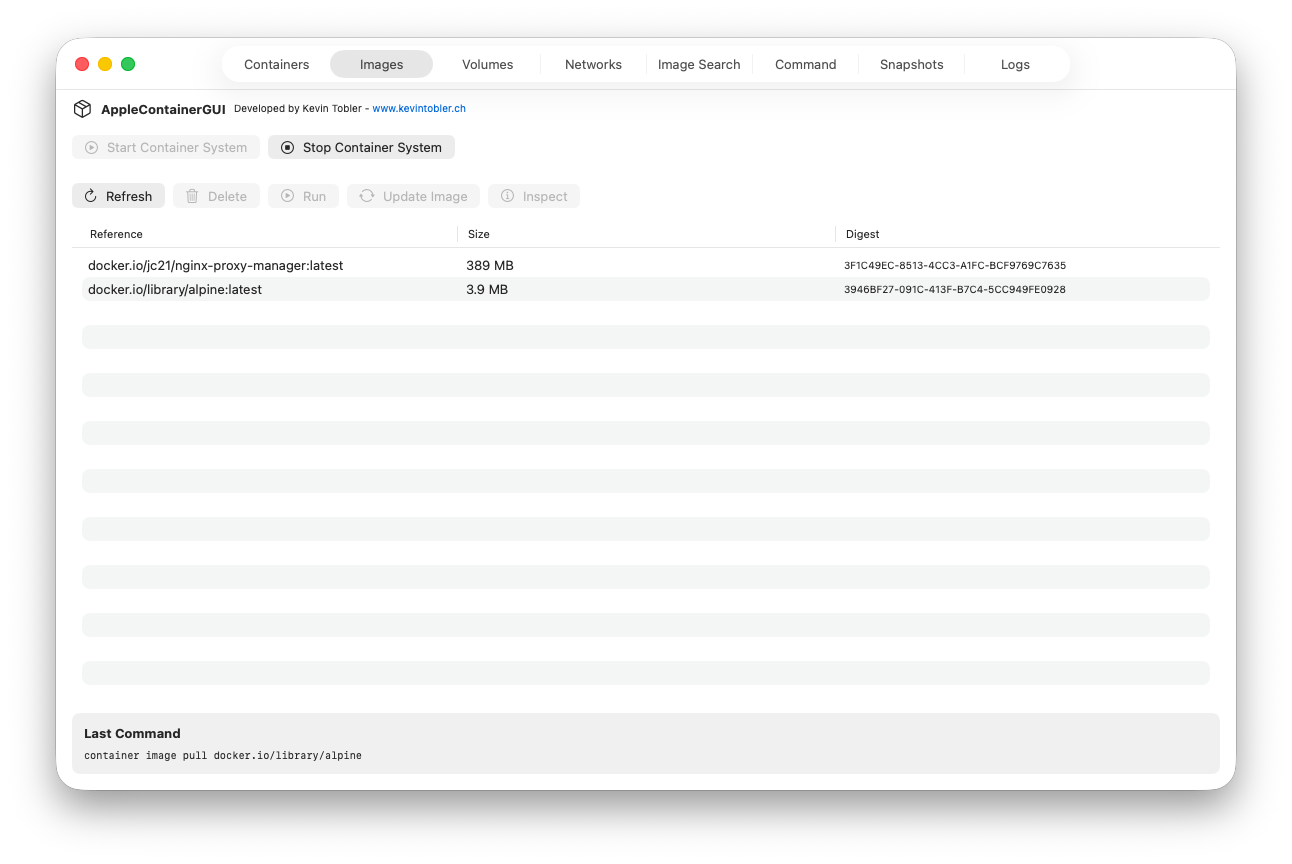
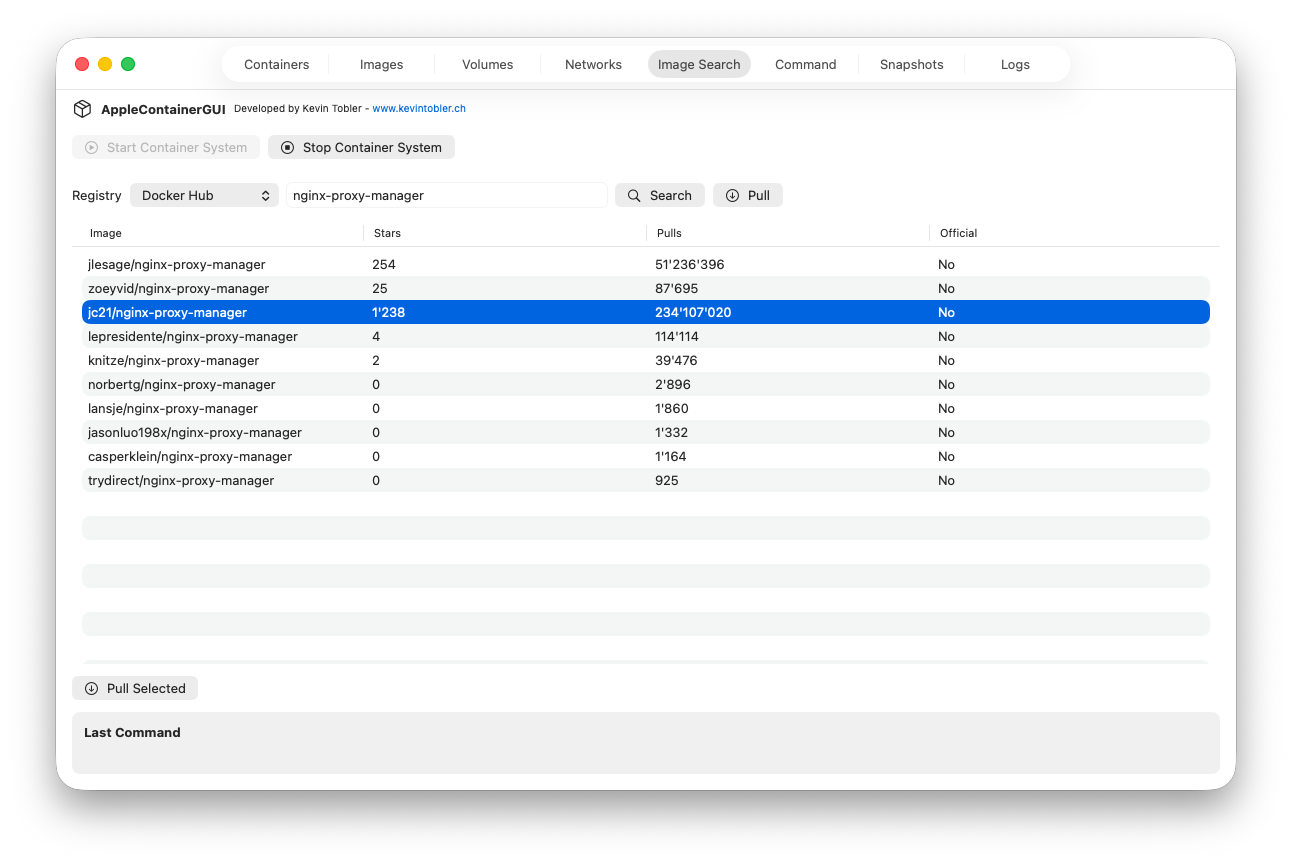
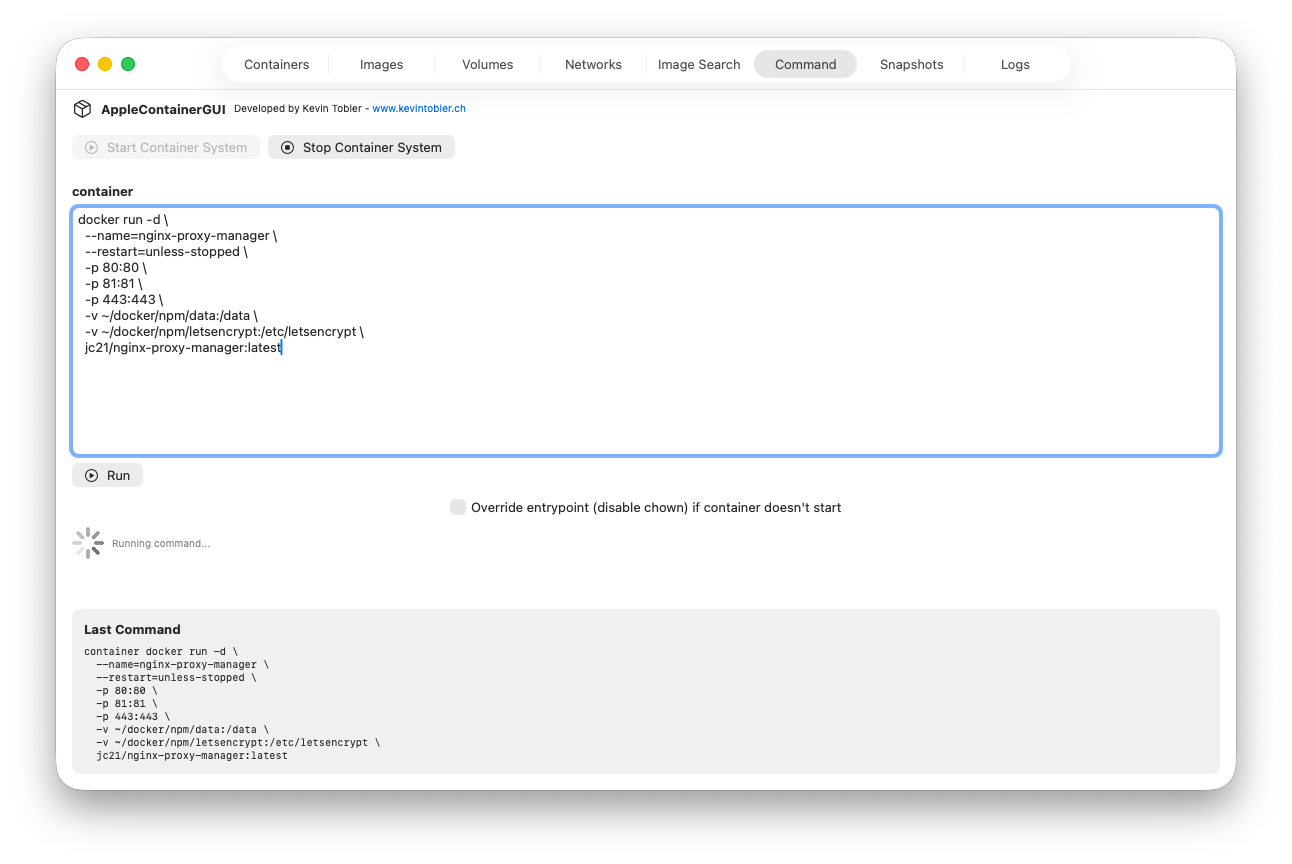
AppleContainerGUI uses the Apple Container CLI (container) under the hood and parses its JSON output to populate tables and inspectors. It runs common commands such as:
container system start/container system stopcontainer ps,container images,container network lscontainer inspectand related detail commands
Docker data commands and volume management use the bundled Docker API bridge. Named and anonymous data volumes use VirtioFS host directories shared between containers.
The app bundles Apple Container 1.6.0, patched Socktainer 1.2.1-acgui.15, Docker CLI 29.9.2, Compose 5.5.1, the recommended Linux kernel and boot images. Install Runtime verifies and installs these local components without Homebrew or runtime downloads. New application images are pulled from their registries.
- Open AppleContainerGUI.app.
- Click Install Runtime. All required runtime components are included.
- If standard socket setup is selected, authenticate the macOS request for
/var/run/docker.sock.
Requires Apple Silicon and macOS 26.2 or newer. Runtime files stay in the user's Application Support directory. Setup migrates existing data volumes to shared VirtioFS folders and restarts previously running containers. Original disk images are retained as backups.
Kevin Tobler
🌐 www.kevintobler.ch
This project is licensed under the MIT License, feel free to use, modify, and distribute.