

Wallr renders its own background surface on wlr-layer-shell compositors. It does not shell out to hyprpaper, swaybg, or swww.
- Static, GIF, and video wallpapers (MP4, WebM, MKV) with hardware-accelerated decode
- (NVDEC on NVIDIA, VAAPI elsewhere; official Linux release binaries include FFmpeg NVCodec support)
- 6 transitions: fade, wipe, slide, wave, grow, outer
- Per-monitor wallpapers and scaling modes
- Background daemon over a Unix socket
- Optional post-apply theming via Matugen, Wallust, or Pywal
- Near-zero idle overhead: static wallpapers render once and sleep; video and GIFs pace to frame boundaries
- Zero-duration static sets can use a low-memory
wl_shmcompositor buffer; GPU rendering remains available for transitions and live media - Performance harness for live Wayland measurements against
awww(scripts/benchmark-wallpapers.sh)
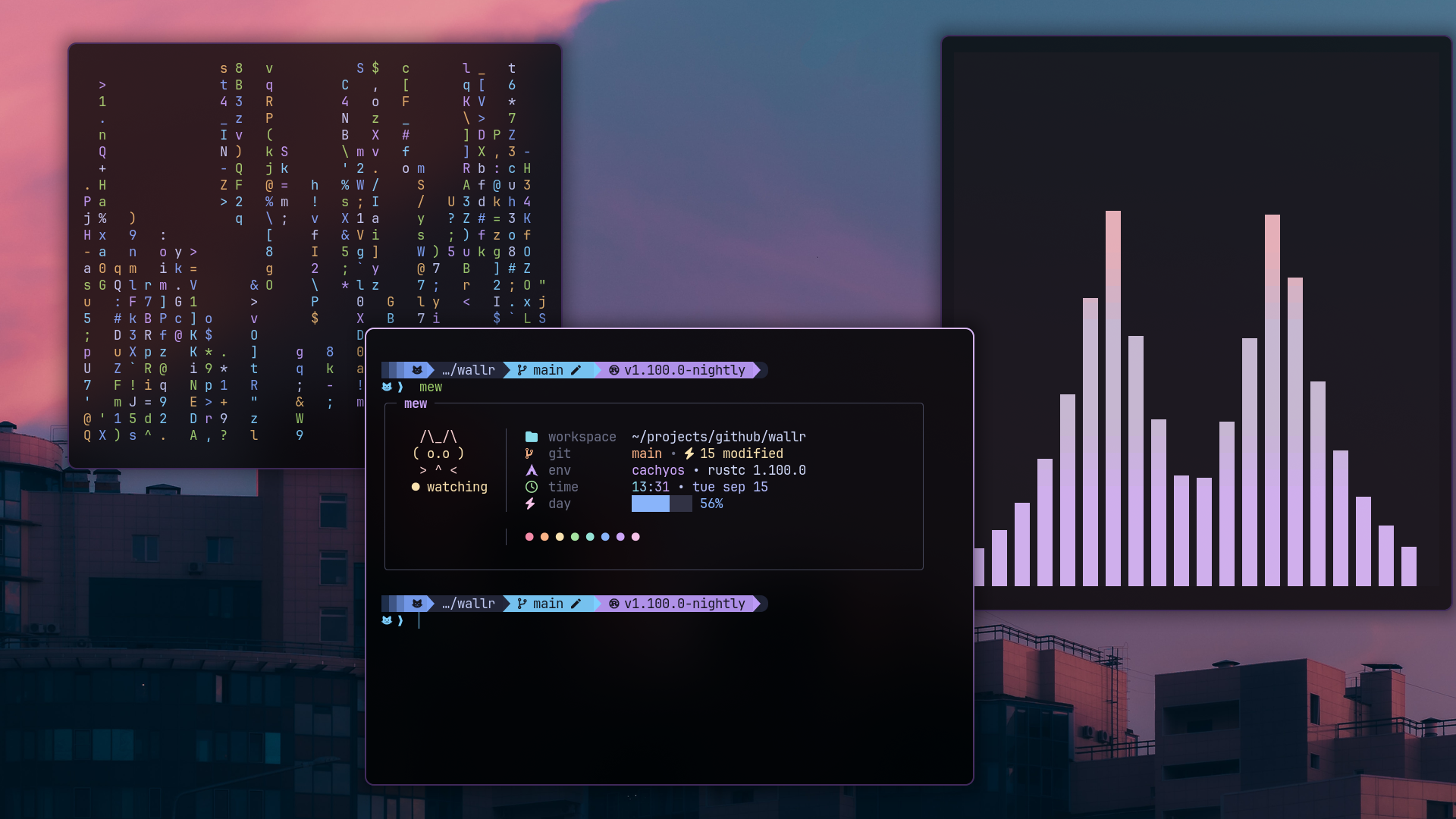
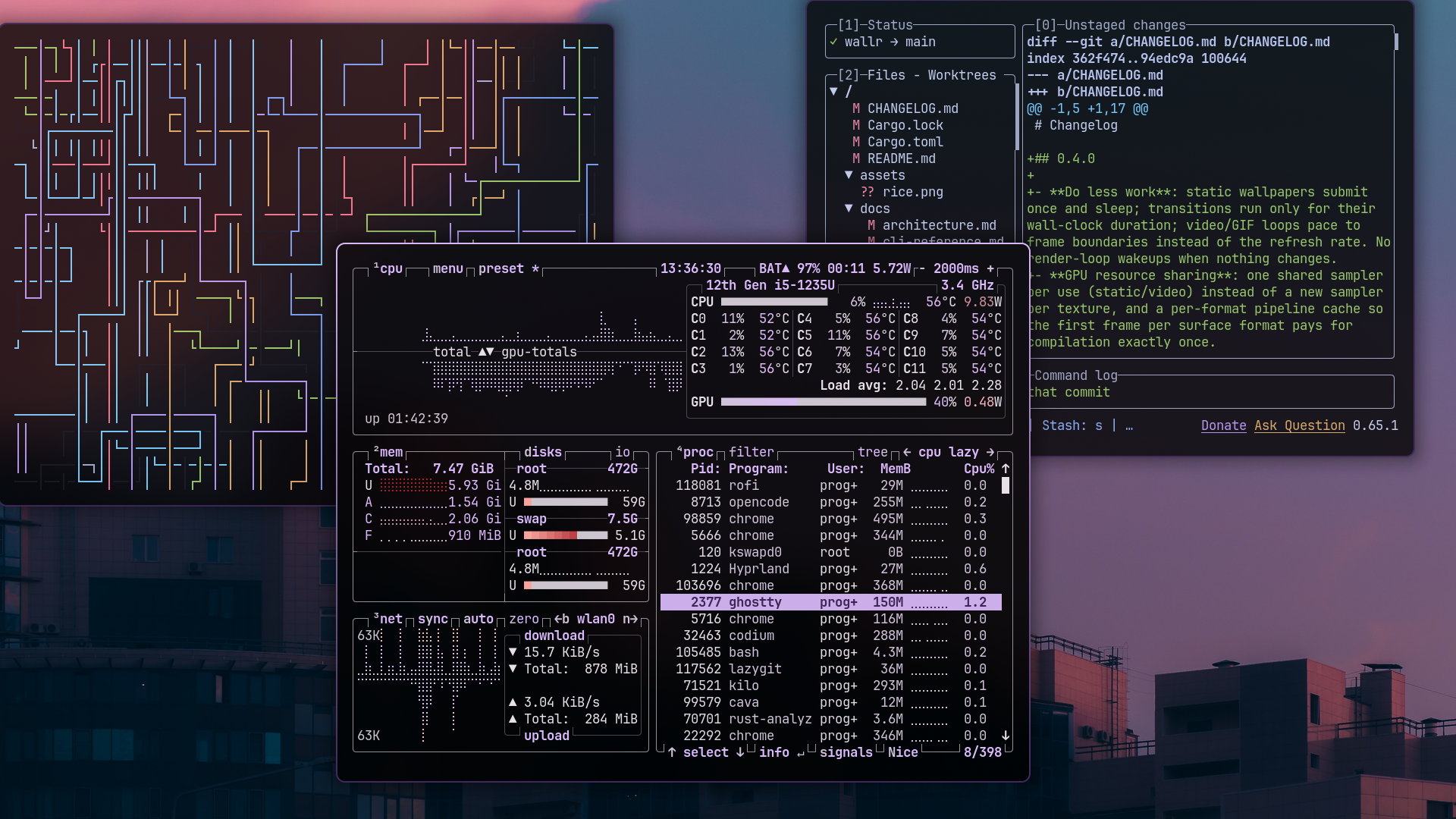
Catppuccin Mocha sunset: audio visualizer and fetch widget (left), system monitor and git workflow (right)
cargo install wallryay -S wallr-binnix run github:programmersd21/wallr#First, install the Terra Repository (terrapkg.com)
sudo dnf install --nogpgcheck --repofrompath 'terra,https://repos.fyralabs.com/terra$releasever' terra-release
#Then, install wallr with dnf
sudo dnf install wallr# Basic wallpaper change
wallr set wallpaper.jpg
# Smooth transitions with ergonomic short flags
wallr set wallpaper.jpg -e grow -o center -d 850ms
wallr set wallpaper.jpg -e wipe -a 45 -d 800ms
wallr set video.mp4 -e wave -d 900ms
# Instant switch for scripts
wallr set wallpaper.jpg --duration 0 --no-themewallr set starts the daemon automatically if it isn't already running. Full flag reference: docs/cli-reference.md.
~/.config/wallr/config.yaml:
wallpaper:
  default: "~/Pictures/Wallpapers/default.png"
  mode: "fill"

theme:
  provider: "matugen"

reload:
  - "waybar"
  - "dunst"
Full schema: docs/config-reference.md.
| Compositor | Hyprland, Sway, niri (layer rule required), or KDE Plasma 6: any wlr-layer-shell implementation. GNOME/Mutter is unsupported. |
| Rust | stable, for building from source |
| FFmpeg | required only when building from source, for video wallpapers. Prebuilt release binaries statically link FFmpeg, including NVDEC support. |
# Arch
sudo pacman -S rust wayland wayland-protocols pkg-config ffmpeg

# Fedora
sudo dnf install rust cargo wayland-devel wayland-protocols-devel pkg-config ffmpeg-devel

# Ubuntu/Debian
sudo apt install rustc cargo libwayland-dev wayland-protocols pkg-config libavcodec-dev libavformat-dev libavutil-dev libswscale-dev
git clone https://github.com/programmersd21/wallr.git
cd wallr
cargo install --path wallrThe wallr CLI talks to wallr daemon over a Unix socket. The daemon owns the layer-shell surface, the wgpu renderer, and the transition engine. Wallpaper changes render as GPU transitions from the previous image; GIFs continue playing after the transition ends, and video is decoded by FFmpeg with hardware acceleration where available.
Details: docs/architecture.md.
Wallr is optimized around event-driven static rendering and bounded live playback. Use the included harness to measure the daemon on your compositor:
scripts/benchmark-wallpapers.shIt requires a running Wayland session, hyperfine, awww, and release-built
Wallr. Comparisons are machine- and workload-specific; do not interpret one
run as a universal ranking.
error while loading shared libraries: libavutil.so.58: the installed binary was built against an older FFmpeg ABI. Reinstall the latest release (statically linked), or rebuild from source:
cargo install --path wallr --forceWallpaper intercepts input: it shouldn't; the surface runs on Layer::Background with KeyboardInteractivity::None and an empty input region. If it happens: confirm your compositor is supported, check compositor logs for layer-shell errors, restart the daemon (pkill wallr && wallr daemon), and on niri add a layer-shell rule permitting Wallr on the background layer.
Changelog · CLI reference · Config reference · Architecture · Matugen integration · Video wallpapers
Last wallpaper per output is stored at ~/.cache/wallr/last_wallpaper/<OUTPUT>; see CLI reference and Architecture.
See CONTRIBUTING.md.
Sample wallpapers in samples/ are taken from:
All rights belong to their respective owners; thanks to the original authors for sharing their work.
MIT; see LICENSE.